Case study · Frontend
Checkout-to-activation storefront
Implemented · tested
An online store where a small business chooses a website, pays by card and launches it on its own address without contacting anyone. After payment it receives an activation link, picks a name or connects its own domain, and the site is set up automatically.
- 02Review it
Purpose
An online store where a small business chooses a website, pays by card and launches it on its own address without contacting anyone.
The problem
A small business should be able to buy and launch a website without a sales call: choose it, pay, and pick a name or connect its own domain.
What it contributes
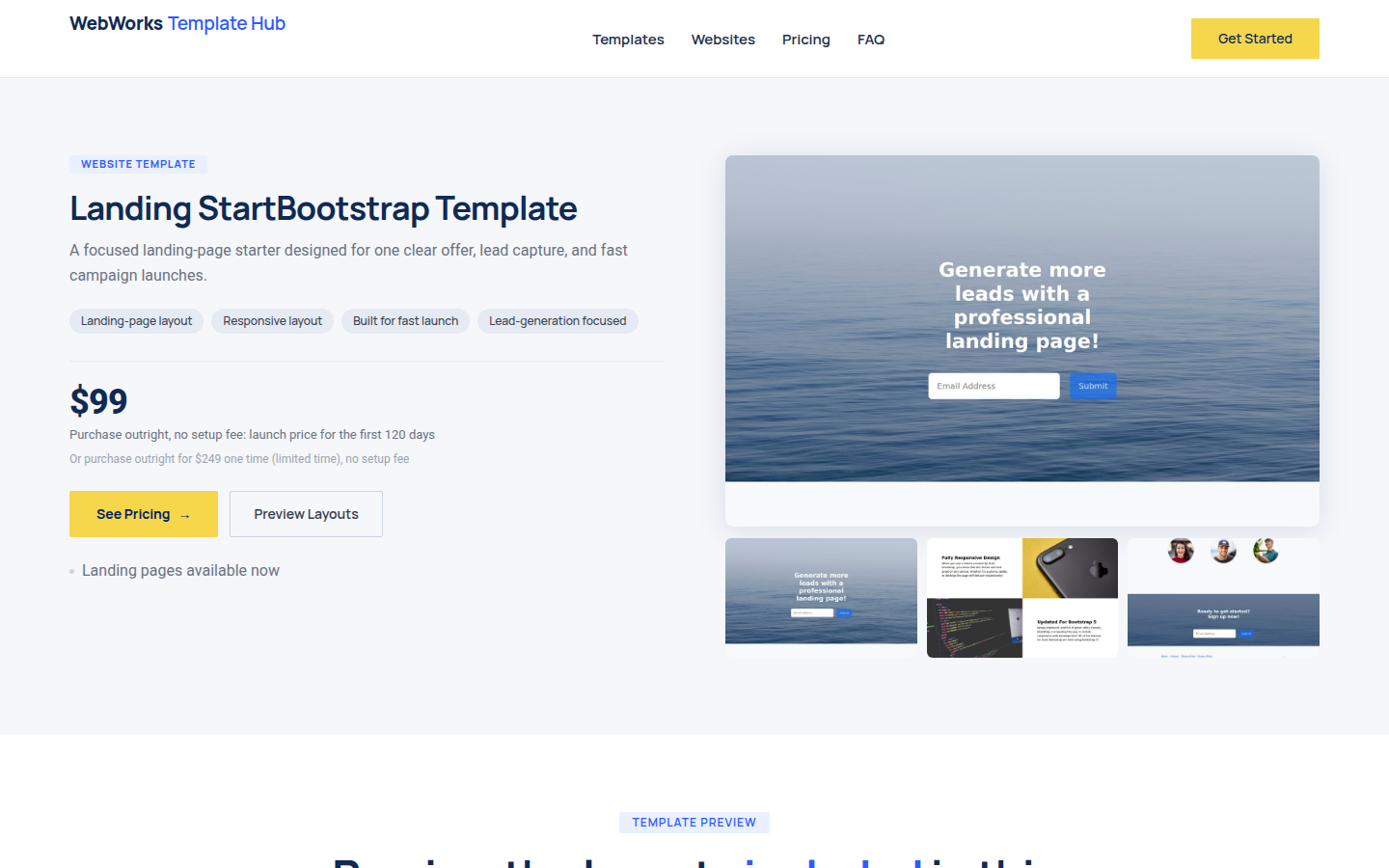
Template distribution, in the WebWorks line: each template is registered once and sold from a product page generated from its catalogue record.
Principal capabilities
Frontend
A Next.js 15 and React 19 storefront exported as static files, with product pages generated at build time from a typed catalogue. After payment, the activation flow lets the buyer choose a platform subdomain or a custom domain; reserved names are rejected in the browser as a mirror of the server-side rule, and the flow recovers from failed attempts.
Integrations
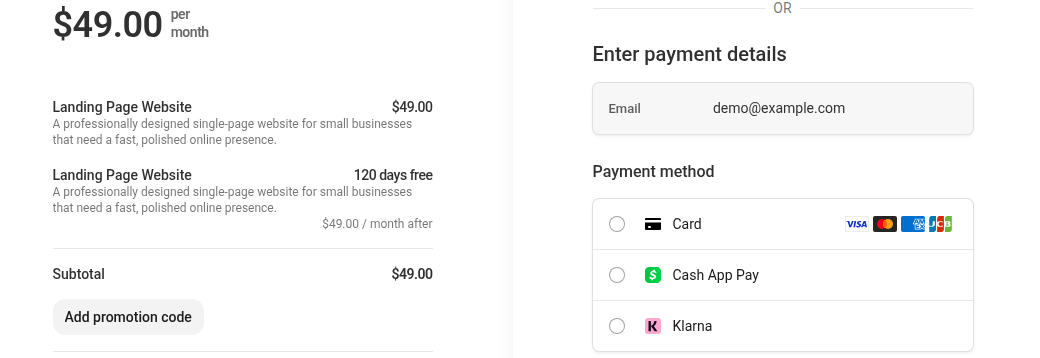
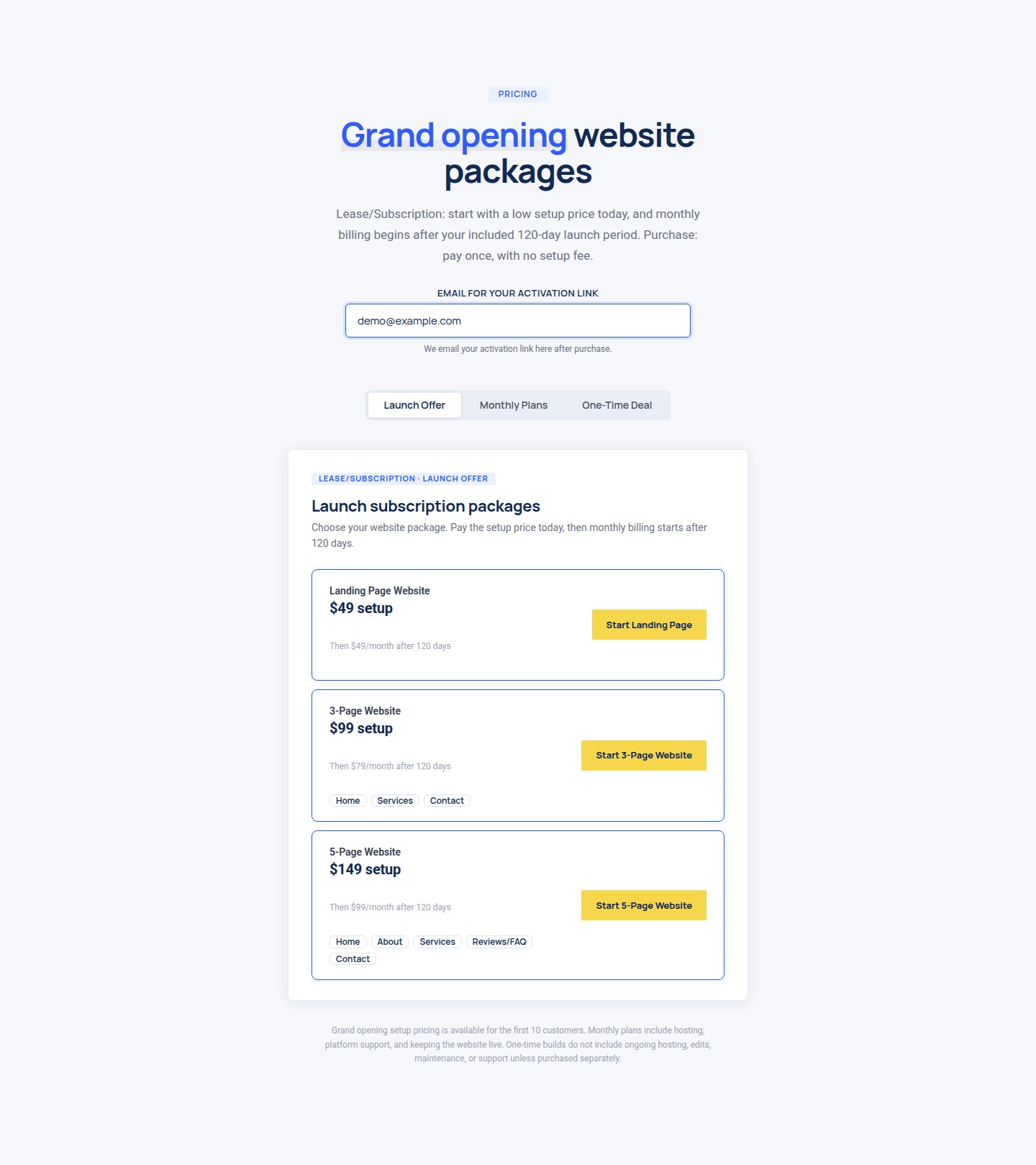
Checkout creates a payment session through an API endpoint, in one-time or subscription mode with a setup fee, monthly price and trial period. An emailed one-time token opens the activation flow.
Data
A build toolchain registers each template once. It mints a single identifier shared by the template configuration, the storage prefix, the catalogue records and the preview URL, written in one conditional transaction, then generates the product page from the catalogue record and refuses output that still describes another template.
Built with
- TypeScript
- React
- Next.js
- Stripe
Implementation evidence
- Implemented and tested.
Visual evidence
- 01Choose a template
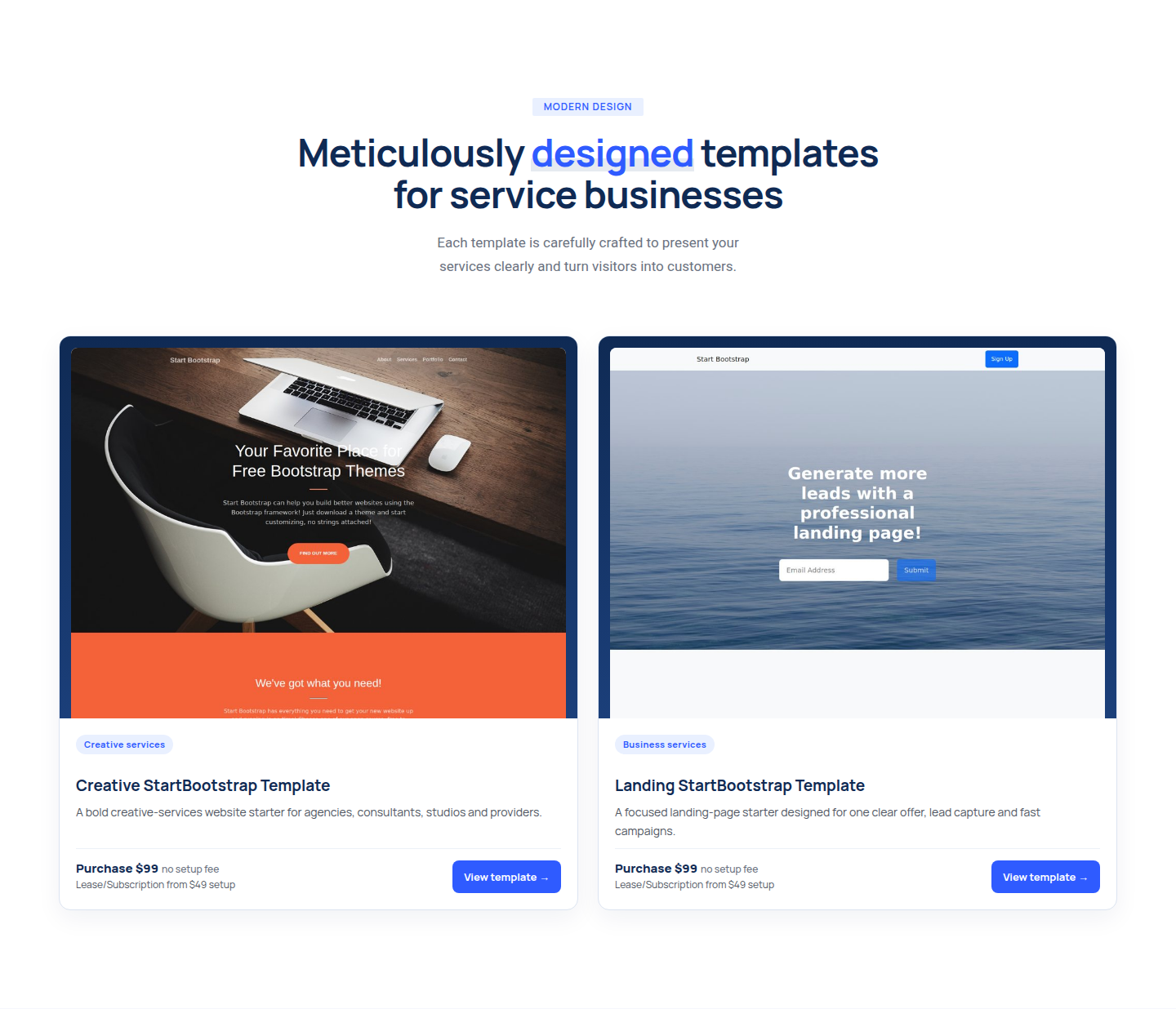
- 02Review it
- 03Pick a package
- 04Pay on Stripe